Payanywhere Loyalty is available at an additional cost to merchants on Payments Hub Premium Plus with Payanywhere equipment processing on EPX.
View the Payanywhere Loyalty Guide for instructions on how to build and manage your customer loyalty program.
To Activate this feature, head to Payments Hub → Customers → Loyalty Program or your User Settings. Payanywhere Loyalty is an add-on feature that needs to be activated/deactivated separately from your Plan Type in User Settings.
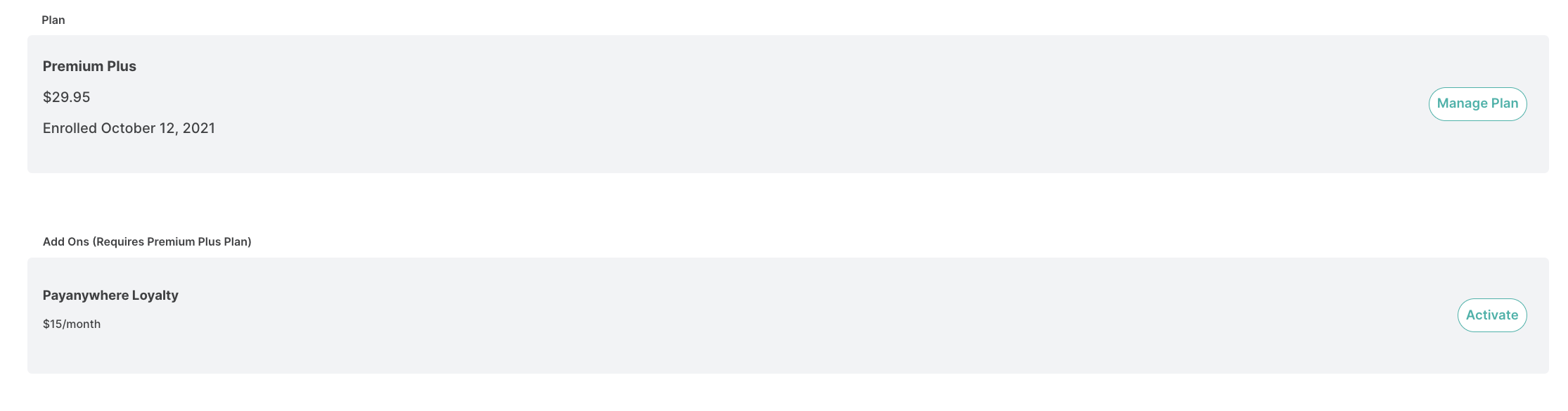
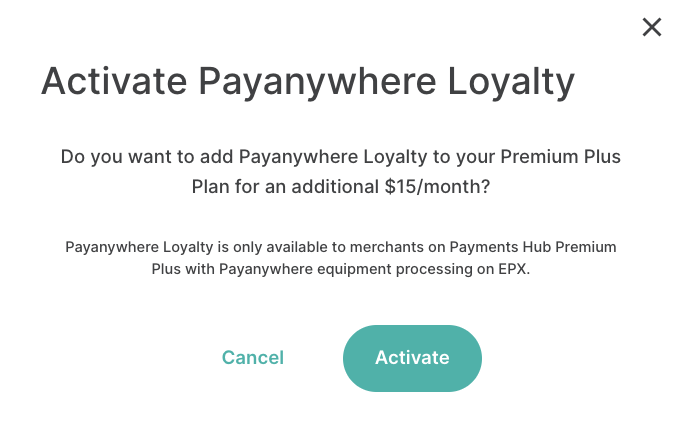 Only Owners and Admins can activate and modify Loyalty Settings.
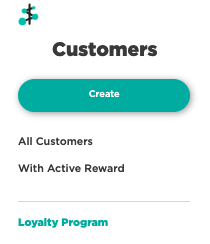
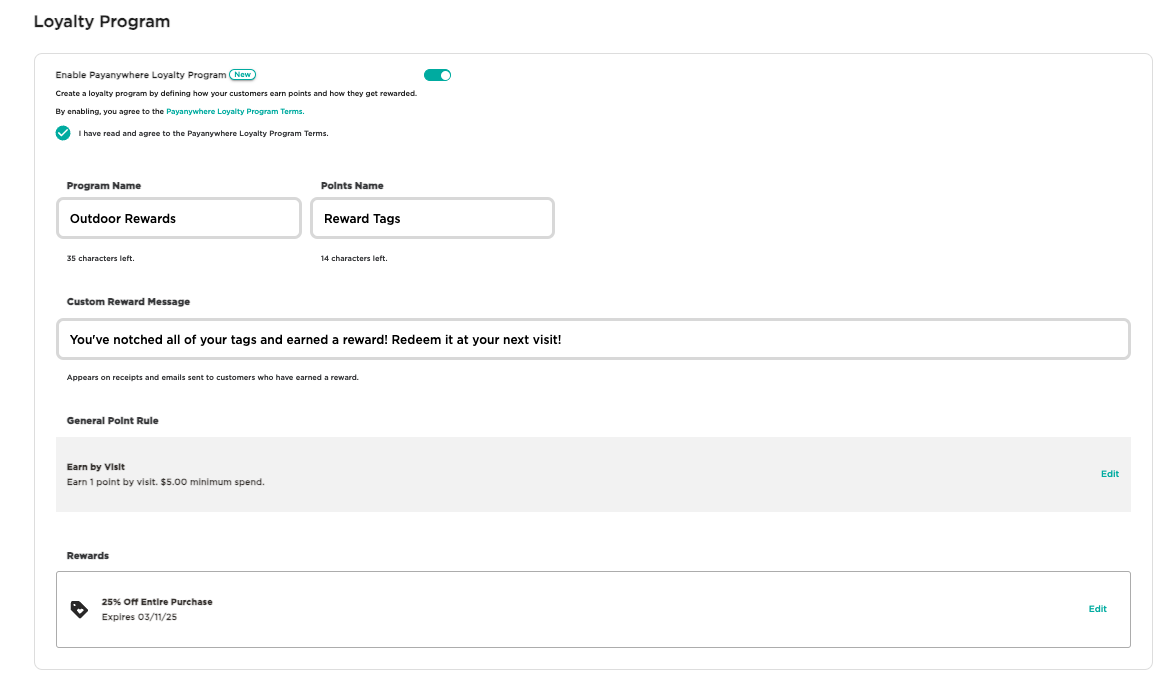
An overview of how to set up and run your Loyalty Program:
- Once enabled, name your loyalty program and the points your customers will earn.
- Create your Point Rule, which is the minimum spend amount needed to earn a point for that visit.
- Create your Reward and how many points are needed to earn the reward.
- Preview your loyalty program to see examples of your Receipt with Reward and Rewards Email. Click Save when finished.
- Loyalty settings can be modified or disabled at any time.
- Optional: Create your own autogenerated toll-free number to send customers SMS messages with their loyalty point status and reward information.
- Once your loyalty program is activated, customers can enroll and begin earning points for all of their qualifying transactions, including invoices and Virtual Terminal transactions.
- Customers can choose to enroll on the receipt options screen in the Payanywhere app. A phone number and email address is required to enroll.
- Reward and point totals are displayed on receipts.
- This are also tracked in customer profiles, and you can resend reward notifications from a customer profile as well.
- Retail Theme only: Enrolled customers can be linked to a transaction on the checkout screen or on the receipt options screen by selecting the customer profile from your customer directory.
- A customer will also be linked to the transaction if they use the same payment method that was used when the customer profile was created by a previous transaction.
- We recommend manually linking customers to a transaction to ensure they receive their points regardless of which payment method they use.
- When a reward is earned, the reward will be available to redeem when the profile is linked to the transaction, or by entering the customer's unique reward code prior to completing the transaction.
- Loyalty Activity and Reports are provided to give you detailed insights on how your loyalty program is performing.
For more information, please reference the Payanywhere Loyalty Guide.
If you have any feedback on Payanywhere Loyalty, share your thoughts here so we can improve upon this feature in future releases!