To accept an EMV transaction:
- Make sure your reader is connected.
- Insert the card into the reader.
- Leave the card in the reader until the transaction has processed.
- Remove the card when you are prompted to do so.
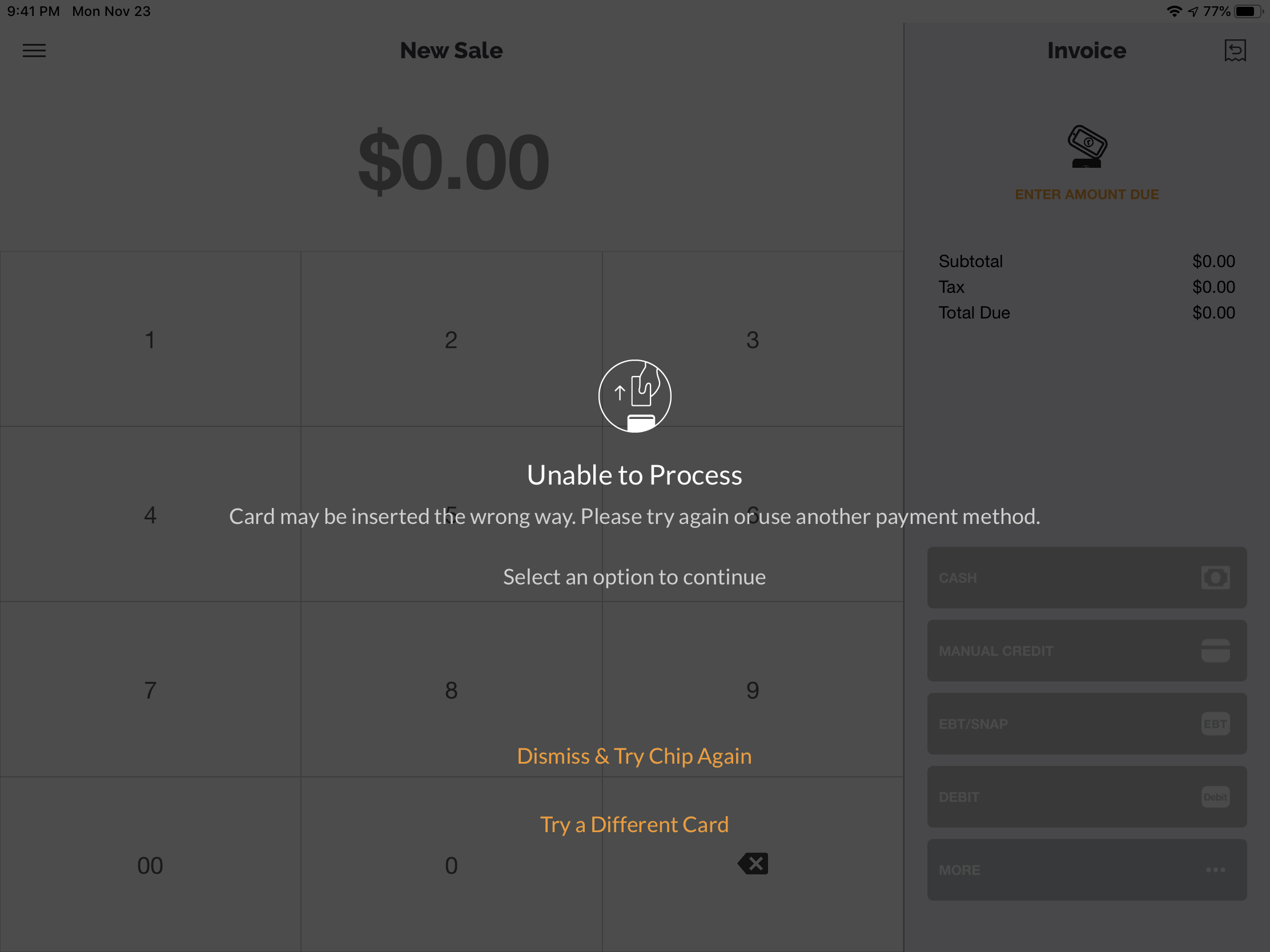
- iOS and Android mobile users- If a card is inserted incorrectly and the Unable to Process screen appears, remove the card, then select Dismiss & Try Chip Again or Try a Different Card.
- Payanywhere Smart Solutions - If a card is inserted incorrectly and you receive the Unable to Process message, insert the card correctly to attempt the transaction again.
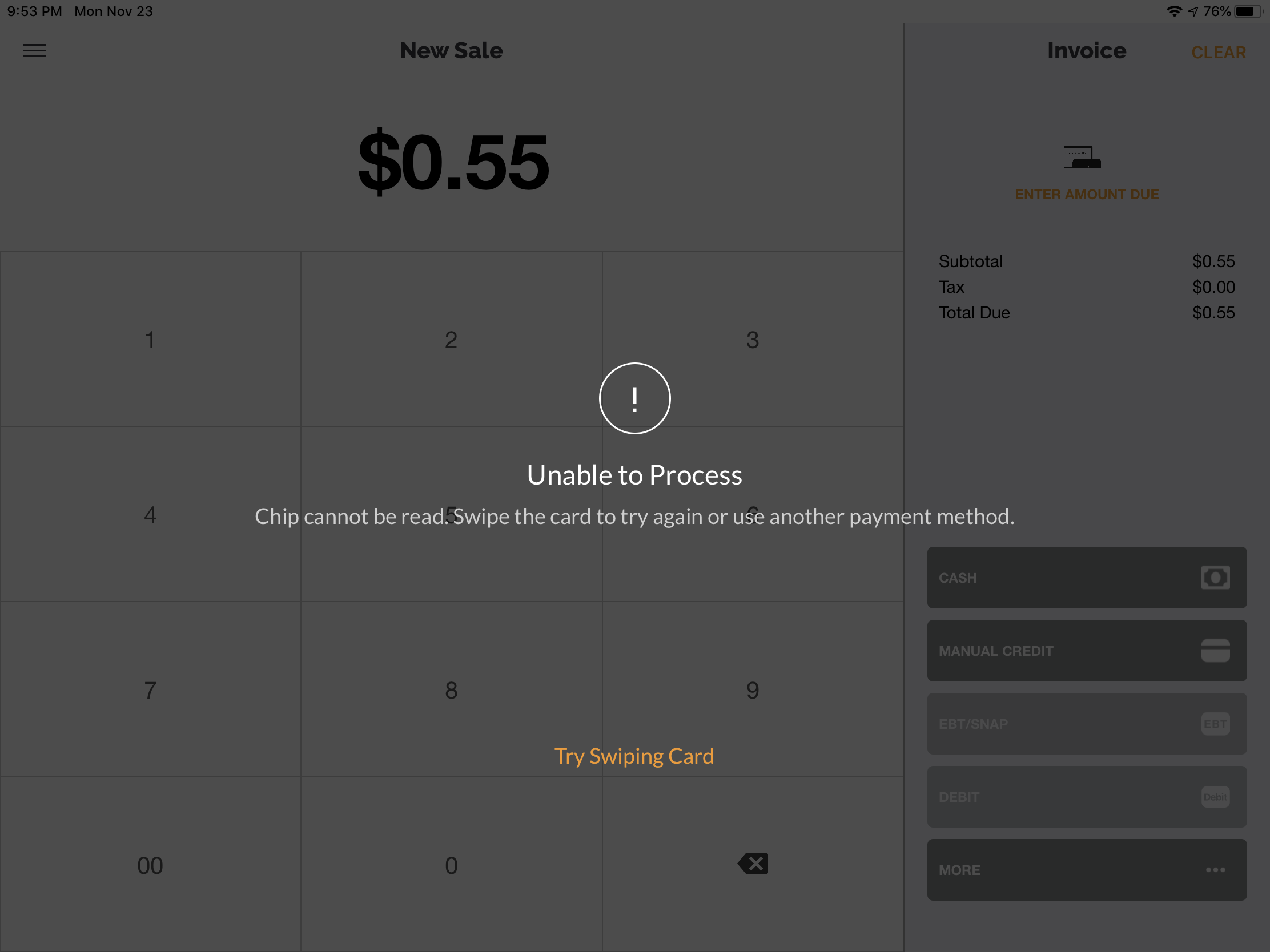
- If the EMV card continues to fail, the app will then indicate to swipe the card instead.
Smart POS, Smart POS+ and Smart Flex users:
- When inserting an EMV chip card, DO NOT remove the card until the device/app prompts you to.
- Removing the card prematurely may cause the customer facing screen to crash and require you to restart the device.